
You open After Effects. The deadline is tonight. And you’re staring at a blank composition wondering where to even start.
Sound familiar?
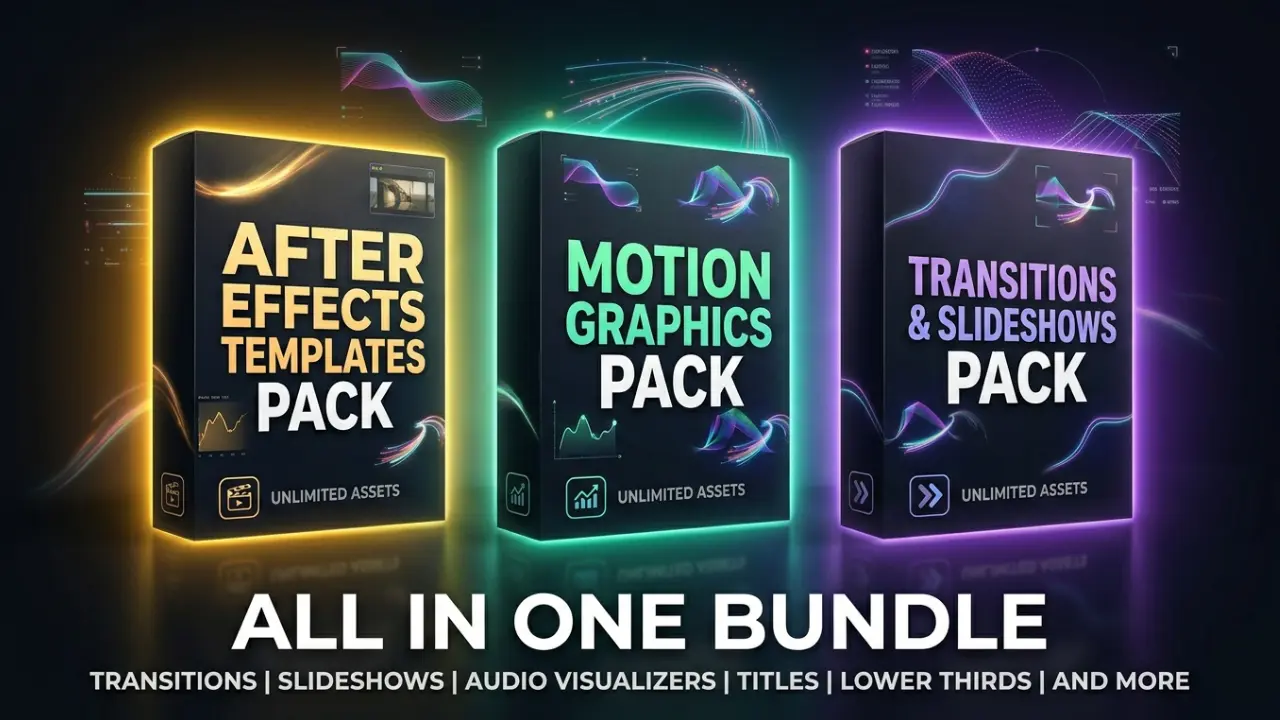
Best After Effects Templates to Download in 2026
Download NowWhether you’re a motion designer, video editor, YouTuber, or social media content creator — building everything from scratch every single time is a serious time drain. That’s exactly why After Effects templates exist: to give you a professional head start without sacrificing quality.
In this guide, we’ve rounded up the best After Effects templates you can download in 2026 — from sleek transitions packs and audio visualizers to cinematic slideshows and Cinema 4D integrations. We’ve also included free options so you can get started right now, without spending a single dollar.
Let’s save you hours of work.
Why After Effects Templates Matter More Than Ever in 2026
The demand for high-quality video content has exploded. Platforms like YouTube, Instagram Reels, TikTok, and LinkedIn video now expect polished visuals that grab attention in the first 3 seconds.
But here’s the hard truth: most editors don’t have the luxury of spending 10 hours crafting a single animation from scratch. Templates bridge that gap. They let you focus on storytelling and creativity while the heavy lifting — keyframes, expressions, easing curves — is already done.
And in 2026, the best templates aren’t just functional. They’re modular, customizable, and built for speed.
1. Moving Line After Effects Template
A moving line After Effects template is one of the most versatile tools in a motion designer’s kit. These templates use animated strokes or path-based lines to create dynamic transitions, lower thirds, title reveals, and elegant infographic animations.
What to look for:
- Smooth easing on the line path animation
- Control over line thickness, color, and speed
- Compatibility with After Effects CC 2022 and above
- No third-party plugin dependency (or clearly listed plugins like Stroke or Trim Paths)
Best use cases:
- Minimalist brand videos
- Corporate explainer animations
- News-style lower thirds and on-screen text reveals
- Whiteboard-style content without the hassle
Pro Tip: Look for moving line templates that use After Effects’ native Trim Paths effect — this keeps the file lightweight and doesn’t require any external plugins.
Where to find them: Envato Elements, Motion Array, and Videohive all carry solid moving line template packs. Many include multiple line styles in one download.
2. After Effects Slideshow Template
An After Effects slideshow template does more than just display images — it tells a visual story with motion, timing, and rhythm.
The best slideshow templates in 2026 are built with:
- Modular slide structures (easily add or remove slides)
- Image/video placeholder placeholders with smart guides
- Built-in music sync markers
- Responsive text layers for titles and captions
Top Slideshow Styles to Consider:
Cinematic Slideshow — Wide-frame parallax animations perfect for travel, lifestyle, or film portfolios.
Corporate Slideshow — Clean, professional transitions suited for business presentations, pitch decks, or product showcases.
Instagram/Social Media Slideshow — Vertical format templates optimized for Reels and Stories, with fast-paced cuts and bold typography.
Wedding/Event Slideshow — Soft overlays, elegant typography, and romantic transitions for personal projects.
Internal Link Suggestion: Link to your page on “Best Motion Graphics Templates for Social Media” or “How to Use After Effects Placeholders.”
3. After Effects Transitions Pack
If there’s one download that transforms your editing workflow instantly, it’s a high-quality After Effects transitions pack.
A good transitions pack gives you dozens — sometimes hundreds — of pre-animated cuts you can drag, drop, and customize. No keyframing. No expressions. Just clean, professional movement between your clips.
Types of Transitions You’ll Find in a Good Pack:
- Glitch transitions — Distorted, tech-inspired cuts popular in gaming and music videos
- Smooth zoom transitions — Cinematic zooms used heavily in travel and lifestyle content
- Whip pan transitions — Fast horizontal swipes that feel energetic and modern
- Light leak transitions — Organic, film-inspired overlays for cinematic projects
- Shape transitions — Geometric wipes great for corporate or branded content
What Makes a Transitions Pack Worth Downloading?
A strong after effects transitions pack should offer:
- At least 50+ unique transitions (premium packs go 200+)
- Easy drag-and-drop workflow
- Customizable colors, speed, and direction
- A preview video so you know exactly what you’re getting
Pro Tip: Always watch the preview transition presets After Effects demo video before purchasing. A pack can look impressive in screenshots but feel clunky in motion. Preview everything first.
Recommended sources: Motion Bro, Envato Elements, and AEJuice all offer well-organized, preview-ready transitions packs that work seamlessly in AE.
4. After Effects Audio Visualizer Video Templates
If you create music content, podcasts, lyric videos, or any audio-driven visuals, you need a solid after effects audio visualizer video template.
These templates react to your audio track — the amplitude, frequency, and beat — and generate matching visual animations in real time.
Popular Audio Visualizer Styles in 2026:
Waveform Visualizer — Classic horizontal waveform that pulses with the audio. Clean, minimal, and widely used on YouTube music channels.
Circle/Radial Visualizer — A circular spectrum that rotates and expands with sound. Ideal for DJ sets, electronic music, and abstract visuals.
Bar Spectrum Visualizer — Vertical bars that bounce with the frequency. Professional, data-like feel suited for podcasts and tech content.
Particle Visualizer — Particles that move and cluster based on audio energy. Used in high-energy music videos and promotional content.
What to Look For in an Audio Visualizer Template:
- Uses After Effects’ native audio amplitude expression (no extra plugins needed)
- Customizable color palettes and logo placement
- Background artwork/image placeholder
- Social media format options (16:9, 9:16, 1:1)
Note: Some of the best audio visualizer templates come packaged as part of larger motion graphics bundles — so always check if the download includes extras.
5. Cinema 4D After Effects Templates
The combination of Cinema 4D and After Effects templates is where motion design gets seriously powerful.
Cinema 4D Lite comes bundled with After Effects (via Maxon’s integration), which means you can open and render 3D scenes directly inside AE without owning a full C4D license. Templates that use this pipeline offer:
- Full 3D text and object animations
- Lighting, shadows, and depth of field
- Camera fly-throughs and 3D environment setups
- Product visualization renders
Best Scenarios for Cinema 4D After Effects Templates:
- Product launch videos — Render your product in 3D with realistic lighting
- Tech brand intros — Sleek 3D logo reveals with metallic finishes
- 3D title sequences — Cinematic text with depth, extrusion, and camera moves
- Abstract motion loops — Used widely in broadcast and streaming bumpers
Important Compatibility Note:
Before downloading any cinema 4d after effects template, check:
- Which version of After Effects it requires
- Whether it uses Cinema 4D Lite or the full C4D
- If it requires Cineware (usually pre-installed with AE)
External Reference: Adobe’s official documentation on Cineware integration (adobe.com) is worth bookmarking if you plan to work heavily with 3D in AE.
6. Loading After Effects Template Free
Not every project has budget for premium assets. Fortunately, there are genuinely good loading After Effects templates available for free — you just need to know where to find them.
Free loading templates typically include:
- Animated loader icons and spinners
- Progress bar animations
- Preloader screen sequences
- Animated “please wait” screens for apps and presentations
Where to Find Free Loading After Effects Templates:
Motion Array Free Section — Regularly updated with free templates, including loading animations.
Mixkit — Offers a solid library of free After Effects templates including loaders and transitions.
Videezy — Community-driven platform with free AE templates, though quality varies.
AEJuice Free Pack — Their starter pack (completely free) includes several usable loader and transition animations.
Important: Always check the license on free templates. Some are free for personal use only — if you’re using them commercially, verify the terms before downloading.
7. How to Preview Transition Presets in After Effects
Before committing to a transitions pack, knowing how to preview transition presets in After Effects saves you a lot of frustration.
Here’s a simple workflow:
Step 1 — Use the Effects & Presets Panel Open the Effects & Presets panel (Window > Effects & Presets). Search for any transition preset name and hover or click to see a thumbnail preview.
Step 2 — Use the Animation Presets Preview Go to Adobe Bridge (File > Browse Presets) for a larger preview of built-in AE presets with motion playback.
Step 3 — Third-Party Preview Tools If you’re using Motion Bro or AEJuice Pack Manager, these tools have built-in preview players — you can scrub through animations before applying them. This is the most efficient way to preview large transition packs.
Step 4 — Drag to a Test Composition Create a short test comp (3–5 seconds), drop your placeholder footage in, and apply the transition to see it in real context before using it on your actual project.
Pro Tip: Organize your frequently used presets into a custom folder in the Effects & Presets panel. It cuts your workflow time significantly on repeat projects.
8. Free After Effects Transitions — Best Places to Download in 2026
“Free” doesn’t have to mean “low quality.” Here are the best sources for free After Effects transitions that are actually worth using:
Top Sources for Free After Effects Transitions:
AEJuice Starter Pack (Free) One of the most popular free resources in the AE community. Includes 100+ free items — transitions, presets, and motion graphics elements — all accessible through their free Pack Manager plugin.
Mixkit Clean, professional-looking transitions completely free, even for commercial use. Great for editors who need a reliable free option without licensing headaches.
Motion Array Free Tier Motion Array offers a selection of free templates and transitions with a free account. Quality is comparable to their paid offerings.
Videezy A community-driven library. Requires some filtering to find high-quality items, but good free transitions are available.
RocketStock (now part of Motion Array) Their free packs like “Illuminate” and older free offerings are still widely downloaded and highly rated.
Quick Tip: When using free transitions, test them at your project’s exact frame rate (24fps, 30fps, 60fps). Some free templates are built at a specific frame rate and can look uneven if used at a different one.
Actionable Steps: How to Pick the Right After Effects Template for Your Project
Here’s a simple decision framework to find the right template without wasting time:
Step 1: Define your output format first. Is this for YouTube (16:9), Instagram (9:16 or 1:1), or broadcast (4K)? Filter templates by format before anything else.
Step 2: Match the template style to your brand. A glitch transitions pack doesn’t belong in a luxury brand video. A soft slideshow template won’t work for a gaming channel intro. Style alignment is more important than feature count.
Step 3: Check plugin requirements. Templates requiring plugins like Optical Flares, Element 3D, or Trapcode Suite are great — but only if you have those plugins. Filter out what you can’t use.
Step 4: Watch the preview first, always. Every quality source offers a preview. Never buy or commit to a template without watching it in full.
Step 5: Check user reviews and update dates. A template last updated in 2019 may have compatibility issues with AE 2025+. Prioritize recently updated templates with active user feedback.
FAQ: After Effects Templates in 2026
Q: Are free After Effects transitions good enough for professional work? Yes — especially packs like AEJuice’s free starter pack or Mixkit’s library. For commercial work, always double-check the license. Many free resources allow commercial use.
Q: Do I need Cinema 4D installed to use Cinema 4D After Effects templates? Not always. After Effects includes Cinema 4D Lite through Cineware, which opens most C4D-based templates. Full C4D is only required for templates that use advanced C4D features not available in Lite.
Q: What’s the best After Effects transitions pack for YouTube content? AEJuice’s transition packs and Motion Array’s library are consistently top-rated for YouTube content. Smooth zoom and whip pan packs work especially well for travel and vlog-style content.
Q: How do I make an audio visualizer template react to my music? Most audio visualizer templates come with instructions. Generally, you replace the placeholder audio file in the comp, and the template’s built-in expressions automatically link to the audio amplitude. Some templates require you to run the “Convert Audio to Keyframes” command in After Effects.
Q: Can I use After Effects slideshow templates for client work? Yes, as long as the template license allows commercial use. Most premium platforms (Envato Elements, Motion Array subscription) explicitly allow commercial use. Always read the license terms of free templates.
Q: What’s a good loading After Effects template for app demo videos? Mixkit and AEJuice both have clean, minimal loading animations perfect for app demos. Search specifically for “UI loader” or “app preloader” to find the most relevant options.
Q: How do I preview After Effects presets before applying them? Use the Effects & Presets panel in AE for built-in presets, or use third-party tools like Motion Bro or AEJuice Pack Manager for larger packs. Both offer real-time preview playback.
Conclusion: Stop Starting From Scratch
The right After Effects template doesn’t replace your creativity — it accelerates it.
Whether you need a sharp moving line After Effects template for a sleek brand video, a cinematic after effects slideshow template for a client presentation, a complete after effects transitions pack for your editing workflow, or a reactive after effects audio visualizer for your music channel — there’s a template that fits your exact need in 2026.
And if budget is a concern, the free options available today — especially free after effects transitions from AEJuice, Mixkit, and Motion Array — are genuinely professional-grade.
Stop spending hours building what someone else has already perfected.
Browse the resources mentioned in this guide, preview before you download, and start creating work that actually looks the way you imagined it.
Your audience is waiting. Your deadline isn’t.
Call to Action (CTA)
🎬 Ready to Level Up Your Motion Design?
Browse our curated collection of premium and free After Effects templates — transitions, slideshows, audio visualizers, Cinema 4D integrations, and more — all reviewed and tested for 2026 compatibility.
[Download Your Free After Effects Starter Pack →] [Explore Premium Transitions Packs →] [View All After Effects Templates →]
No fluff. Just templates that work.